
Digital wardrobe
A digital closet app that finally shows you what you own
Closie turns your wardrobe into a tidy catalogue on your phone. Take a photo of an item and the digital closet app names it, tags it and can turn the snapshot into a clean, studio-style photo. Then you can see everything you own, build outfits from it and track what you actually wear.
- Auto-tagging from a photo
- Studio-style item photos
- Wear count and cost per wear
- Free for up to 100 items
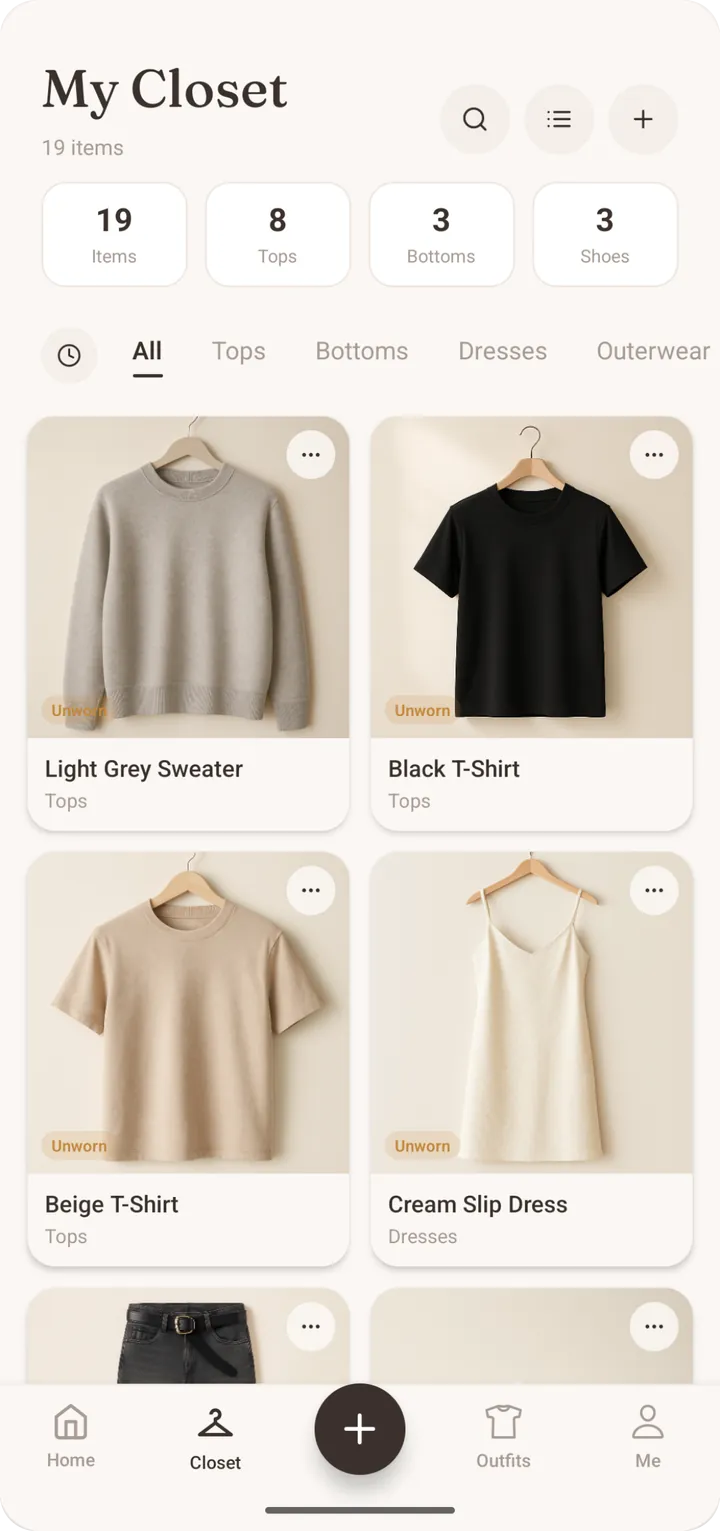
What is a digital closet app?
A digital closet (or digital wardrobe) app is a catalogue of the clothes you own, kept on your phone. Instead of digging through a packed rail, you scroll a grid, filter by category, colour or season, and see every piece at once. That sounds simple, but it changes a lot: you rediscover forgotten items, you notice what’s missing, and you stop buying a fourth black top. In Closie the digital wardrobe is also the foundation for everything else. Outfit suggestions, planning, try-ons and shopping checks all work from the items you’ve added.
Adding clothes without the tedious typing
The reason most people give up on a wardrobe app is data entry. Closie reduces it to a photo. Snap the item on a bed, a hanger or the floor, and Closie names and tags it automatically: type, colour, category. You only correct what’s off. With the studio-style photos feature, AI turns that quick phone snapshot into a clean, catalogue-style image of the item, so your digital closet looks consistent rather than like a pile of random pictures with different backgrounds and lighting.
- One photo per item: no forms to fill
- Automatic name, category and tags
- Studio-style photos from ordinary snapshots
- Edit any tag in a couple of taps
A closet organizer app that keeps track of your clothes
Once your clothes are in, Closie keeps track of them for you. Each item shows how many times you’ve worn it and its cost per wear, which is the price divided by the number of wears. It’s a useful number. The expensive coat worn eighty times turns out cheaper than the bargain top worn twice. Closie Plus also adds weekly “forgotten pieces” outfits, built from things you haven’t worn in a while, so the back of the wardrobe gets a second chance before you decide whether to keep it.
From wardrobe app to daily outfits
A catalogue is useful; a catalogue that dresses you is better. Because Closie knows exactly what’s in your digital wardrobe, it can suggest a daily look matched to the weather and occasion, plan outfits in a calendar, plan every day of a trip with a packing list, and show outfits on your own avatar with AI try-on. Before buying something new, Smart Buy compares the item with what you own and points out duplicates. All of it depends on one thing: a wardrobe that reflects what’s really hanging in your closet.
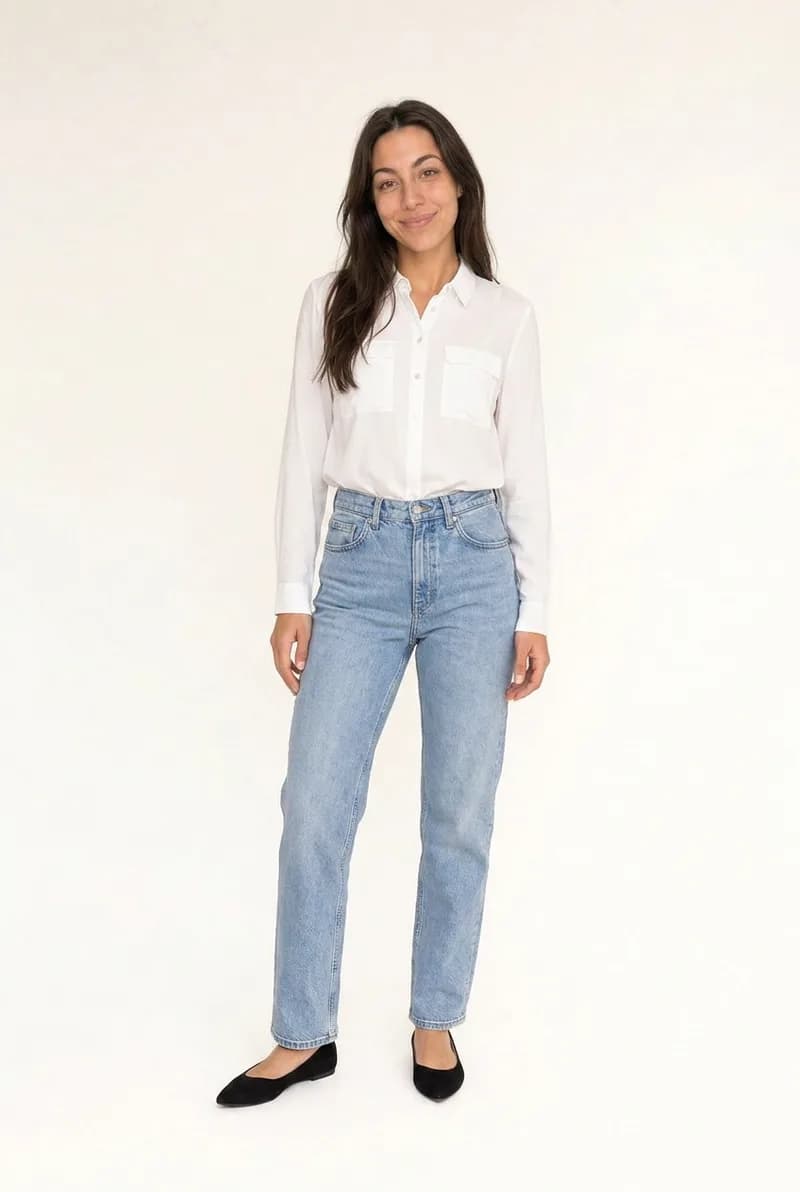
Free closet app: what you get without paying
Closie’s free plan holds up to 100 items, which covers a seasonal wardrobe or the core of an everyday one. It includes 30 one-off studio-style photos, unlimited outfits and planning, one trip plan, and a few AI try-ons and Smart Buy checks each month. No card required. If your wardrobe is bigger, Closie Plus holds 250 items, and you can also buy one-off packs of extra wardrobe spaces without subscribing. Your photos are stored on EU servers, aren’t sold to advertisers and can be deleted any time.
Build your digital closet in an evening
- 1
Start with one category
Begin with tops or trousers rather than the whole wardrobe at once. Momentum matters more than completeness.
- 2
Photograph and let Closie tag
Snap each item; Closie fills in the name and tags. Correct anything that’s off.
- 3
Clean up the photos
Use studio-style photos on the pieces you’ll see most, so your closet grid looks tidy.
- 4
Log what you wear
Wear counts and cost per wear build up over time and show you what earns its place.
Digital closet app FAQ
What is the best way to digitise my wardrobe?
Go category by category and photograph each item in good daylight against a plain background. In Closie one photo is enough: the app names and tags the item and can turn the snapshot into a studio-style image. Start with the clothes you wear most, then add the rest over a few evenings.
Is there a free digital wardrobe app?
Closie has a free plan with a digital wardrobe for up to 100 items, 30 one-off studio-style photos, unlimited outfits and planning, and a few AI try-ons and Smart Buy checks per month. You don’t need a payment card to start. Closie Plus is optional if you need more space or AI uses.
Is there an app to keep track of clothes I wear?
Yes. Closie records how many times you have worn each item and calculates its cost per wear. Over a season this shows clearly which clothes earn their place and which sit unused. Closie Plus adds weekly outfits built from pieces you haven’t worn in a while.
How long does it take to set up a digital closet?
With auto-tagging, adding an item takes well under a minute, so a core everyday wardrobe of 30–50 pieces can be done in an evening. You don’t need to finish everything before the app becomes useful. Outfit suggestions work as soon as you have a mix of tops, bottoms and shoes.
Are my wardrobe photos private?
Closie stores photos on servers in the EU. They are not sold to advertisers, and you can delete individual items or your whole account and its data at any time from the app. The photos are used to build your wardrobe and outfits, not to show you ads.
Does the wardrobe app work on Android and iPhone?
Yes. Closie is available on both iPhone and Android. It is a mobile app only, with no web version. That suits a digital closet well, since you add clothes with your phone camera. Download it from the App Store or Google Play and start with the free plan.
See your whole wardrobe at a glance
Download Closie for free, photograph your first items tonight and let the app do the tagging for you.
Free on iPhone and Android · No card needed