Outfit Planner App Guide: How to Choose One and Plan Outfits
You open the wardrobe, see a full rail, and still feel you have nothing to wear. An outfit planner app is meant to fix exactly that moment. Some do it well. Many end up deleted after a week because adding clothes takes too long or the suggestions ignore the weather.
The Closie team10 min read

The short answer: an outfit planner app stores photos of your own clothes, combines them into outfits and lets you plan what to wear on specific days. A good one suggests looks from your wardrobe based on the weather and occasion, has a calendar for planning ahead, helps you pack for trips and makes adding clothes quick.
In this article
This guide covers what these apps do, the criteria worth comparing, a simple method for planning a week of outfits, how to plan outfits for a trip, app versus website, and what you can expect for free. We make Closie, so we use it for examples, but the method works with any app, or with a notebook.
What does an outfit planner app do?
Most outfit planner apps have the same three layers. Understanding them makes it easier to compare apps and to see where each one is strong.
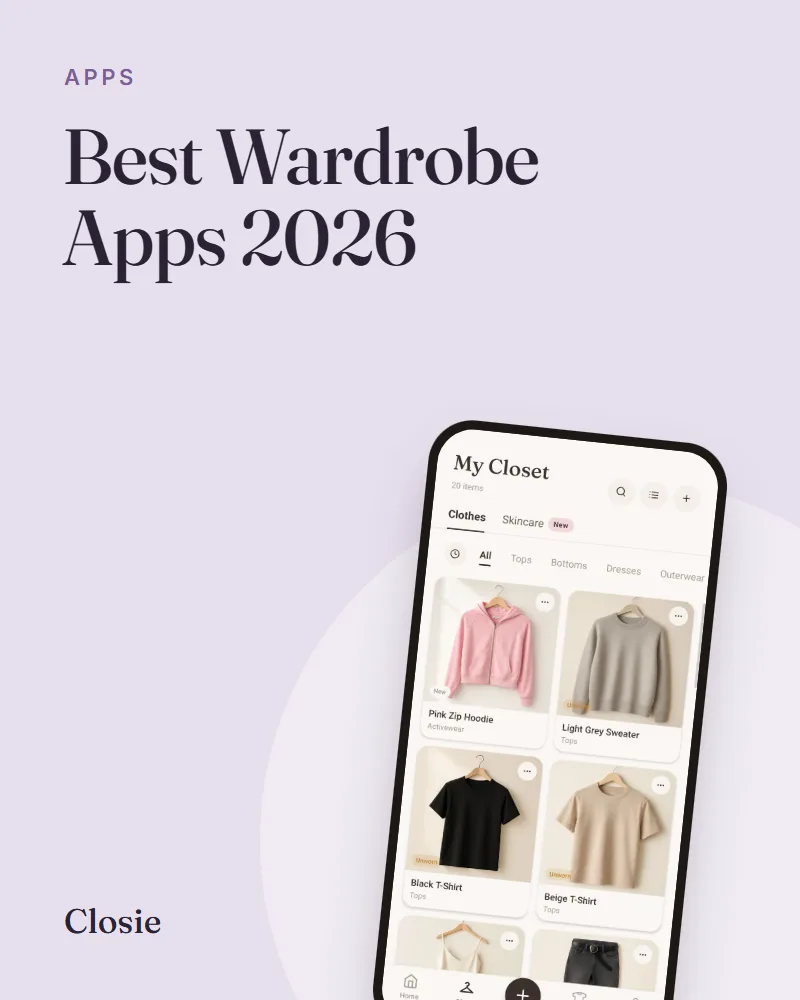
- A digital wardrobe: photos of the clothes you own, sorted by category, colour and season
- An outfit maker: a way to combine items into complete looks, either by hand or with suggestions from the app
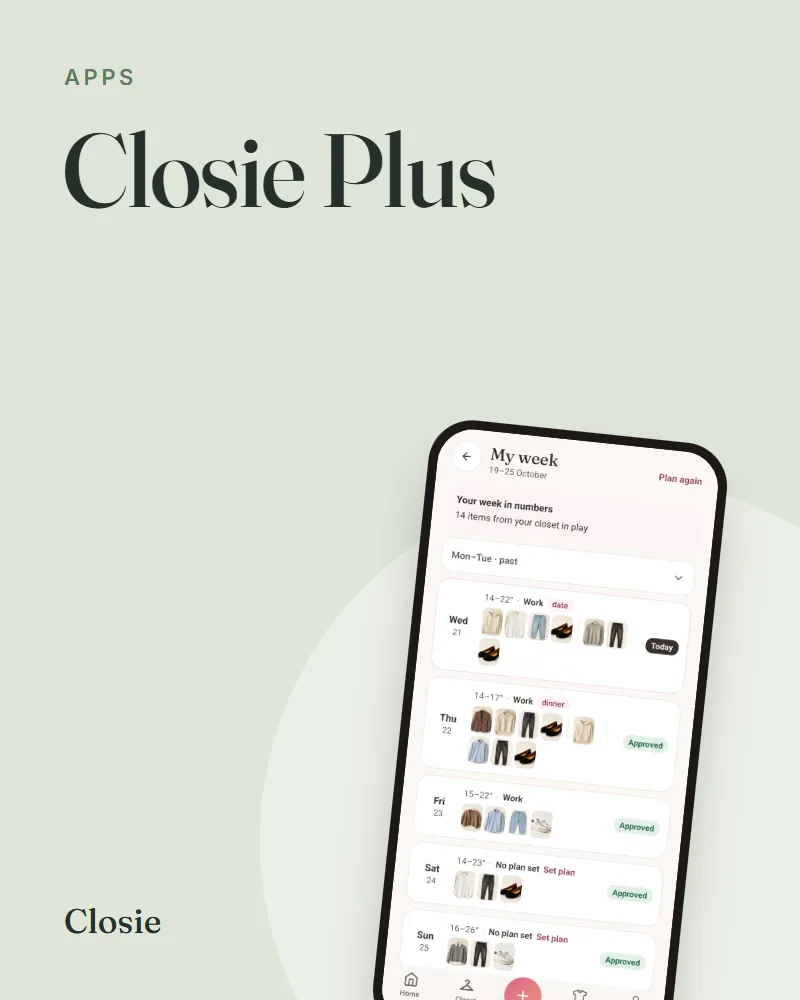
- A planner: a calendar where you assign outfits to days, events or trips
The better apps add context on top. They know the forecast for your location, the occasion you are dressing for, and what you have worn recently. That context is the difference between “here are some outfits” and “wear this today”.
What to wear app vs outfit planner: is there a difference?
People search for both, and they usually mean the same thing. A “what to wear” app answers today’s question. An outfit planner lets you answer it in advance for next Tuesday, a wedding or a holiday. Most apps now do both. If you only want one, ask yourself whether your stress happens at 7 a.m. or on Sunday evening.
How to choose an outfit planner app: 8 criteria
Ignore the screenshots in the store for a moment. These are the things that decide whether you will still be using the app in a month.
1. How long it takes to add one item
This is the most important point and the one most reviews skip. If each item needs cropping, typing a name and choosing five tags, you will stop at around thirty pieces. Look for an app that recognises the item from a photo and fills in the details. In Closie you take one photo and the app names and tags the item. It can also turn the snapshot into a clean, studio-style photo, so the wardrobe grid looks consistent.
2. Suggestions from your own clothes
Some apps mainly show inspiration or products to buy. An app that picks outfits from your closet works only with what you have added. Test it: add 20 items and see whether it produces combinations you would actually wear.
3. Weather
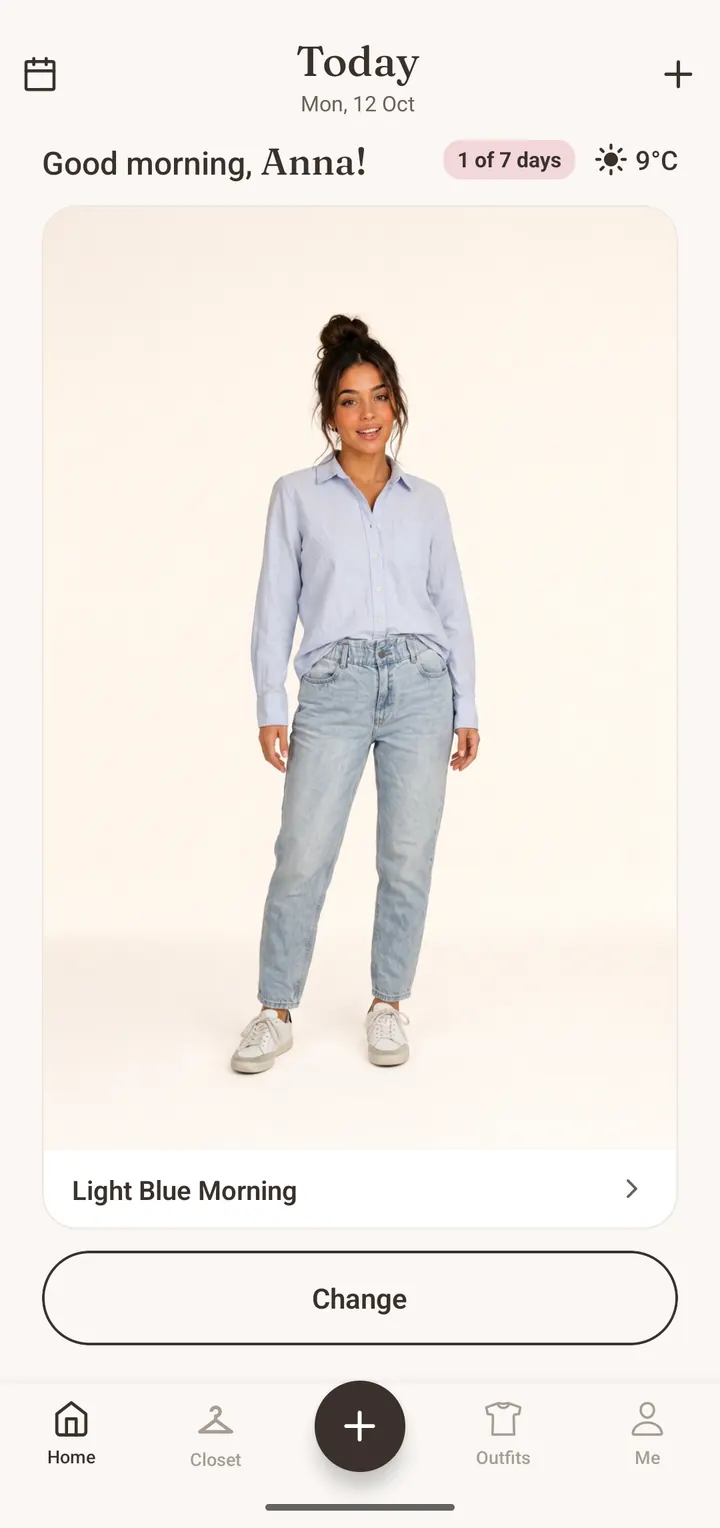
A suggestion that ignores a 9°C rainy morning is useless. Check whether the app uses the forecast for your location and whether the outfits change when the weather does.
4. Occasion
Work, a casual Saturday, a dinner, a wedding. You should be able to tell the app what the day is for.
5. A real planning calendar
Look for a calendar where you can drop outfits onto days and see the week at a glance. Check whether planning is limited on the free plan.
6. Trip planning
If you travel, this saves the most time. The useful version takes your destination and dates, considers the weather there and gives you outfits for each day plus a packing list.
7. Try-on and shopping help
Optional, but helpful. Seeing an outfit on an avatar made from your photo tells you more than a flat lay. A check that compares a shop item with your wardrobe stops you buying a fourth grey cardigan.
8. Free plan, platforms and privacy
Check the item limit on the free plan, monthly limits on AI features, whether you need a card to start, which phones it runs on and where your photos are stored. You are uploading pictures of your home and possibly yourself, so the privacy policy matters.
How to plan a week of outfits (in 15 minutes)
Planning works best once a week, at a fixed time. Sunday evening is popular because you know the week’s plans and the forecast is reasonably reliable. Here is the routine we recommend, with or without an app.
- Write down the week: office days, meetings, workouts, evenings out, anything with a dress code
- Check the forecast for each day, especially rain and the difference between morning and evening temperatures
- Pick one or two anchor pieces for the week, for example a new pair of trousers or a blazer you want to wear more
- Plan the days with the strictest requirements first: the client meeting, the dinner
- Fill the remaining days with simple formulas (see below), reusing bottoms and layers
- Check that nothing needs washing or ironing before its day
- Leave one day open for mood or a change of plans
Outfit formulas that make planning faster
A formula is a structure you fill with different pieces. Three or four formulas cover most weeks:
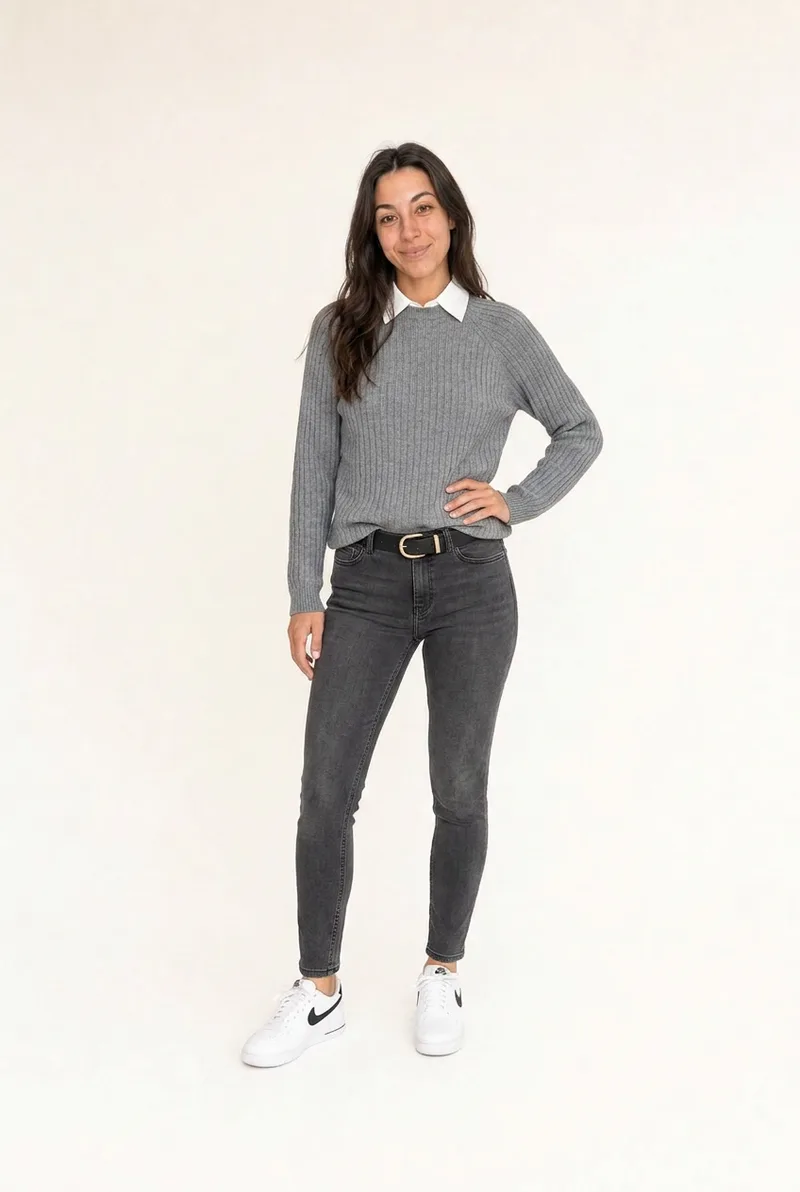
- Knit over a shirt, straight jeans, loafers: smart casual for work or weekends
- Tailored trousers, fine knit or blouse, blazer: meetings and office days
- Midi dress, boots, jacket: one main piece, minimal decisions
- T-shirt, wide-leg trousers, trench, trainers: errands and travel days
In Closie, the week lives in the outfit calendar. You save outfits and drop them onto days. Outfit creation and planning are unlimited, including on the free plan. On the day, the home screen shows the forecast and a suggestion for today, so if it turns cold you can swap the plan for something warmer without starting over.
How to plan outfits for a trip
Trips are where planning pays off most, because you can’t go back to the wardrobe. The method is the same as for a normal week, with two extra rules: every piece should appear in at least two outfits, and the forecast decides the layers.
- List the days and what happens on each: travel, sightseeing, beach, dinner
- Check the forecast for your destination three to five days before you leave. For trips further away, look at the weather for the same dates last year
- Choose a colour base of two or three neutrals so everything combines
- Plan one outfit per day, reusing bottoms, layers and shoes
- Turn the outfits into a packing list and add underwear, sleepwear and toiletries
- Wear the heaviest items while travelling
Closie 1.3.1 added a trip planner that does these steps for you. You enter the destination and dates. Closie checks the forecast for the trip, or last year’s weather if you are travelling further ahead, plans an outfit for each day from your own clothes and builds a packing list. You get a reminder before departure. The free plan includes one trip plan; Closie Plus includes five a month.
Outfit planning website or app?
Many people search for an outfit planning website or an outfit planner online, free, to use on a laptop. A browser has advantages: a bigger screen and easy dragging of items around a board. It also has a weakness that matters more. You add clothes by photographing them, and you check outfits while getting dressed, and both happen with a phone in your hand.
To be clear about our own product: Closie is a mobile app for iPhone and Android and has no web version. If you need to plan on a computer, look for a service with web access and check how photos get there. If you are fine planning on your phone, a mobile app is usually faster day to day, because the camera, the forecast and the reminder are all in one place.
Free vs paid outfit planner apps
Almost every outfit planner app is free to download. The real question is what the free plan includes. Usual limits are the number of items you can add, how many outfits you can plan, and how often you can use AI features such as try-ons.
For reference, Closie’s free plan includes:
- A wardrobe for up to 100 items
- Unlimited outfit creation and planning
- 20 studio-style photos (one-off)
- 3 AI try-ons and 3 Smart Buy checks per month
- 1 trip plan
Closie Plus raises the wardrobe to 250 items and adds more try-ons, Smart Buy checks, studio photos and trip plans each month. It also adds trends from real Closie stylists recreated from your clothes, and weekly “forgotten pieces” outfits built from things you have not worn in a while. One-off packs, such as extra wardrobe spaces or try-ons, can be bought without subscribing. No card is needed for the free plan.
Is paid worth it? If your everyday wardrobe fits in 100 items and you mainly want daily outfits and a weekly plan, the free plan is enough. Upgrade only if you hit a limit you actually care about.
Getting started: your first week with an outfit planner
- Day 1: add the 20 to 30 items you wear most. Tops, bottoms, one or two layers, your everyday shoes
- Day 2: correct any tags the app got wrong and add a few outfits you already know work
- Day 3: follow the app’s suggestion for the day and note what you would change
- Day 4: add the next category, for example knitwear or dresses
- Day 7: plan the following week in the calendar
After a few weeks, look at the wear counts. You will see which pieces carry your wardrobe and which ones you never reach for. That information is useful at the next clear-out and before your next shopping trip.
What is the best outfit planner app?
The best one is the app you keep using. Compare how quickly you can add an item, whether it suggests outfits from your own clothes, whether it uses the weather, and whether planning is limited on the free plan. Test two apps for a week each with your most-worn clothes.
Is there an app that picks outfits from my closet?
Yes. Closie suggests outfits built only from the clothes you have photographed, matched to the forecast and the occasion. Other wardrobe apps also offer suggestions; check whether they use your items or show products to buy.
Is there a free outfit planner app?
Most outfit planner apps are free to download with a limited free plan. Closie’s free plan includes 100 items, unlimited outfits and planning, one trip plan and a few AI uses per month, with no card required.
Is there an outfit planning website I can use online?
Some wardrobe services offer web access, so check each one’s website. Closie is mobile only, for iPhone and Android. Since clothes are added by photo and outfits are checked while getting dressed, most people end up planning on their phone anyway.
Is there an app to plan outfits for a trip?
Closie’s trip planner takes your destination and dates, checks the forecast for the trip (or last year’s weather for later trips), plans an outfit for each day from your clothes and creates a packing list, with a reminder before you leave.
How do I plan a week of outfits?
Once a week, list your plans, check the forecast, plan the days with dress codes first and fill the rest with simple formulas that reuse bottoms and layers. Check what needs washing and leave one day flexible.
Do outfit planner apps take the weather into account?
Good ones do. Closie shows the forecast for your location on the home screen and matches the daily look to it, so the suggestion changes when the temperature drops or rain is expected.
Plan next week’s outfits with Closie, free
Your wardrobe, today’s outfit and your skincare in one app. The basic version is free.